DinoBones: Tidy Up the Museum
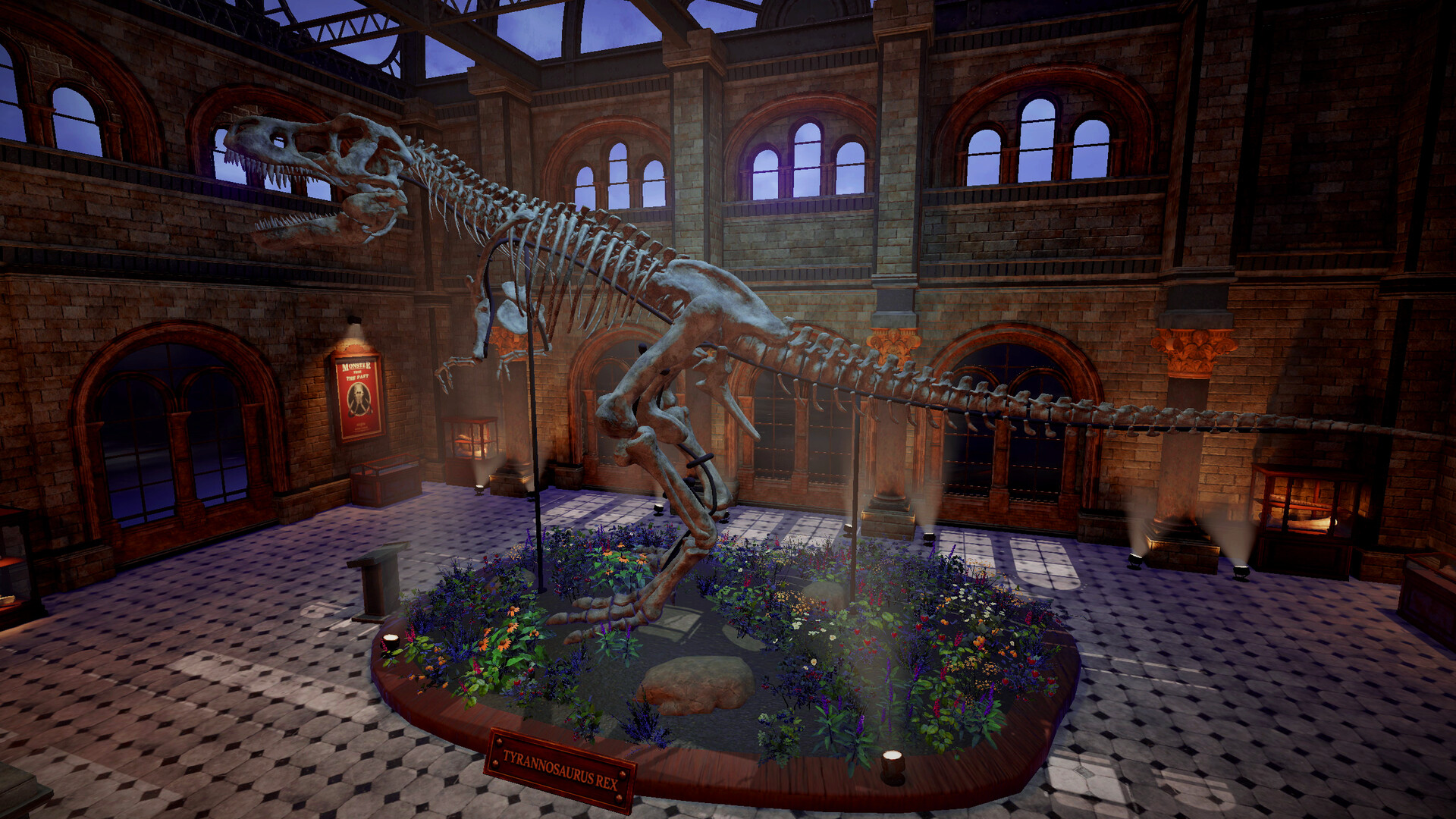
DinoBones: Tidy Up the Museum! is a cozy skeleton restoration sim. Identify, collect, and piece together around 2,000 scattered dinosaur bones. Feel chaos turn into order, and with every skeleton you rebuild, the museum reveals another secret.
🎮 Game Overview
DinoBones: Tidy Up the Museum is developed by Indie Souls Studio and published by Indie Souls Studio, released on Sep 25, 2026.
DinoBones: Tidy Up the Museum! is a cozy skeleton restoration sim. Identify, collect, and piece together around 2,000 scattered dinosaur bones. Feel chaos turn into order, and with every skeleton you rebuild, the museum reveals another secret.
Basic Information
| Item | Content |
|---|---|
| Game Name | DinoBones: Tidy Up the Museum |
| Developer | Indie Souls Studio |
| Publisher | Indie Souls Studio |
| Release Date | Sep 25, 2026 |
| Type Tag | Casual, Indie, Simulation |
| Supported Platforms | Windows / macOS / Linux |
| Store Pricing | $5.99 |
| Official Languages | English, French, Italian, German, Spanish - Spain, Japanese, Korean, Portuguese - Brazil… |
| Single Playtime Reference | 10-30 minutes |
| Learning Difficulty | Low |
| Achievements | 29 |
| User Recommendations | About 1,179 Steam user recommendations |
| Media Scores | No public ratings available |
Store page feature tags: Single-player, Steam Achievements, Full controller support, Adjustable Text Size, Custom Volume Controls, #category_playable_at_your_own_pace, Playable without Timed Input, DualShock Controller Support, DualShock Controller Support, DualSense Controller Support, DualSense Controller Support, Stereo Sound, Surround Sound, Steam Cloud, Family Sharing.
Official Introduction Key Points
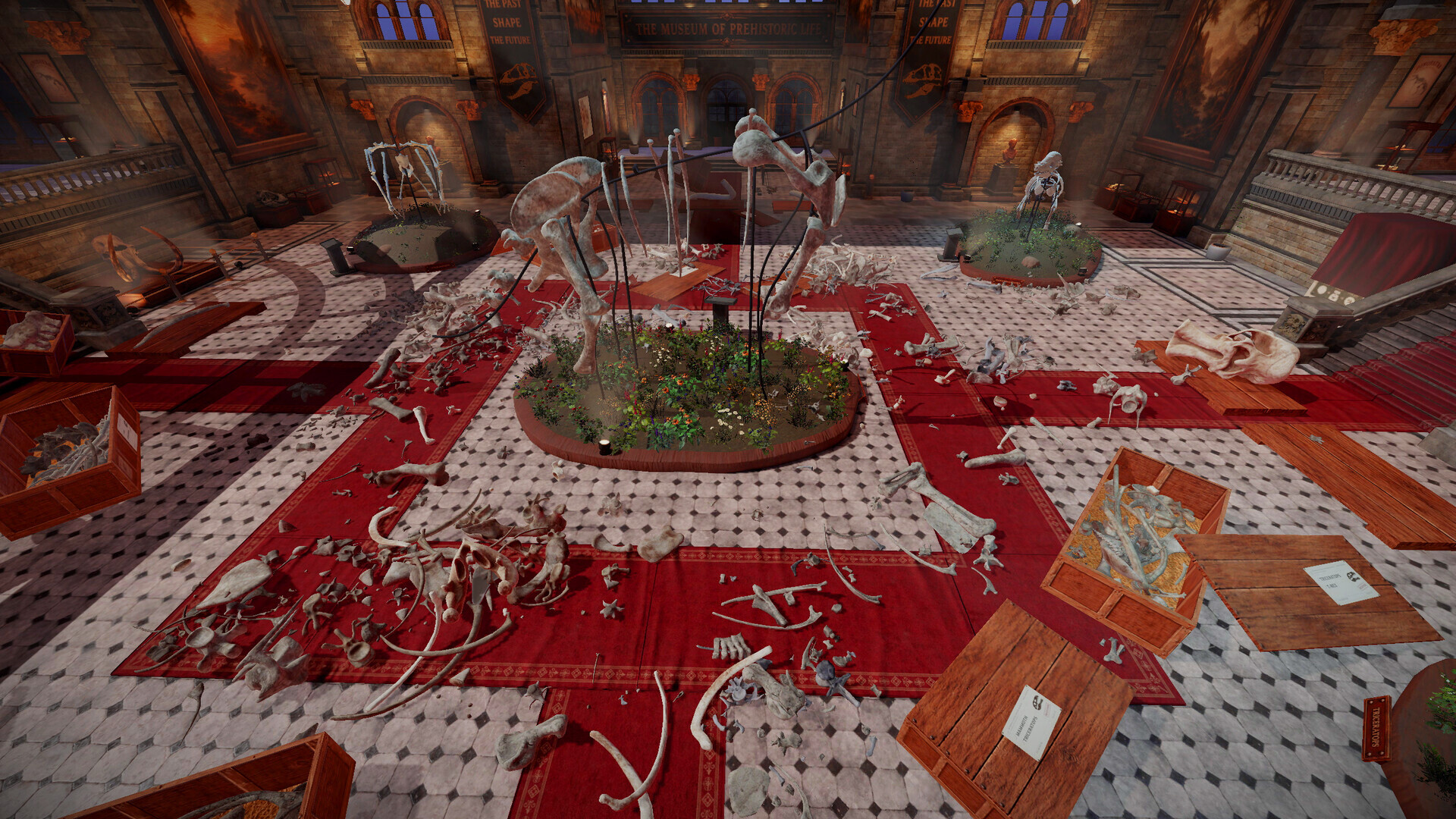
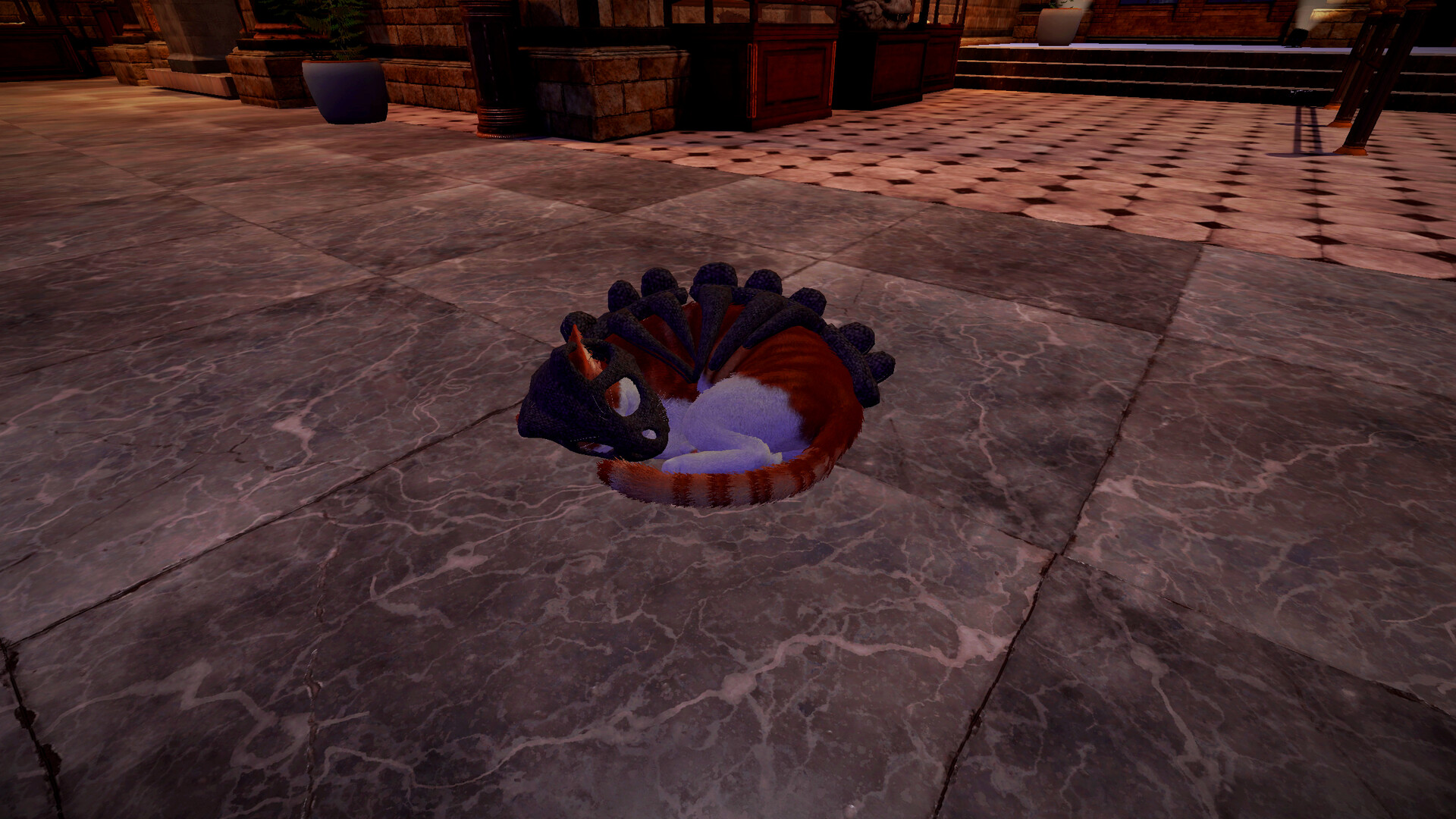
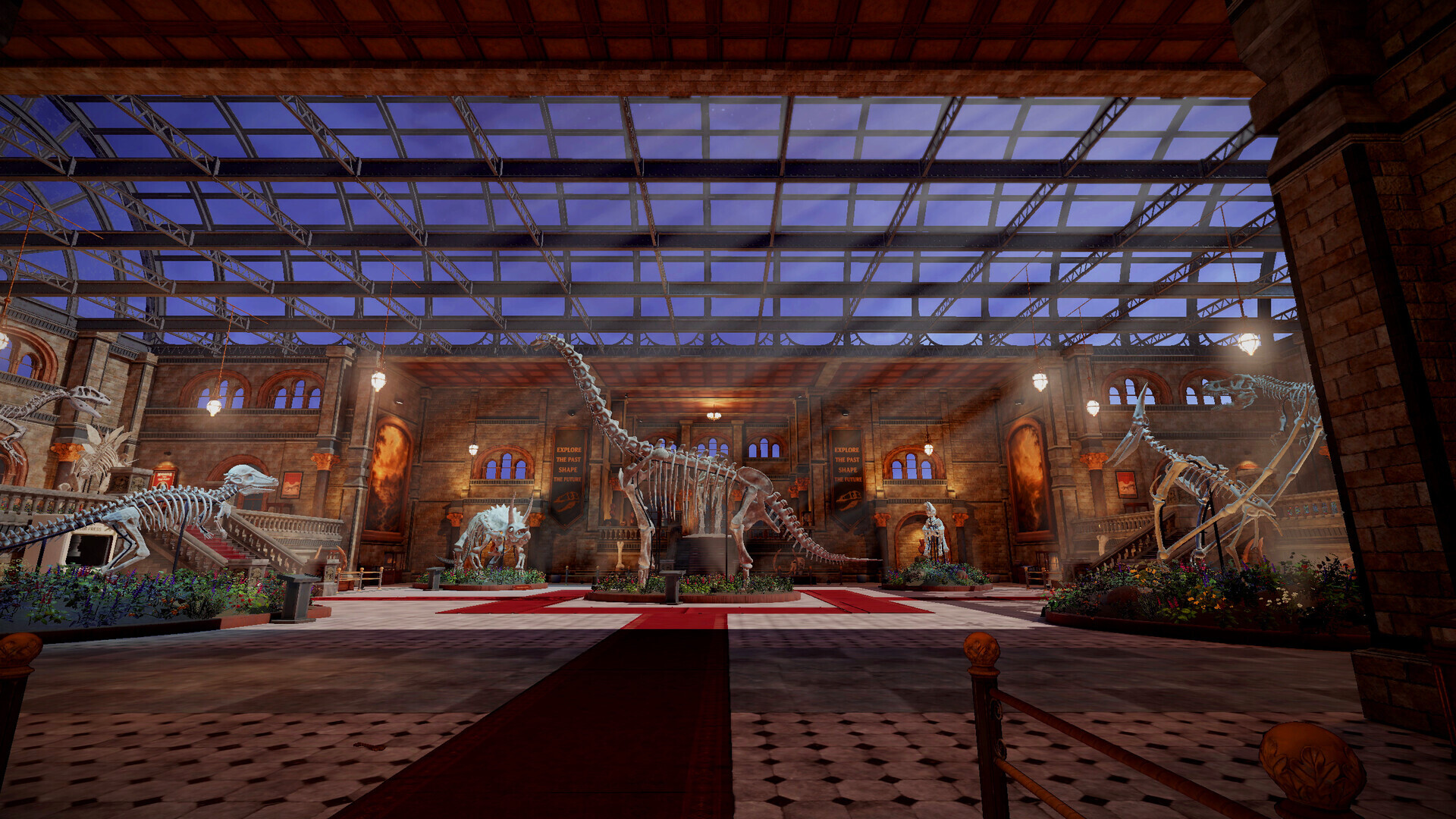
- Museum messed up! Something happened here. Crates are tipped over, and skulls, ribs, and vertebrae lie scattered across the halls. You’re the only one around to put nine skeletons back together. Well, you and a cat.
- TURN CHAOS INTO ORDER
- Collect - Pick up bones from the floor, the stairs, and wherever the crates spilled them
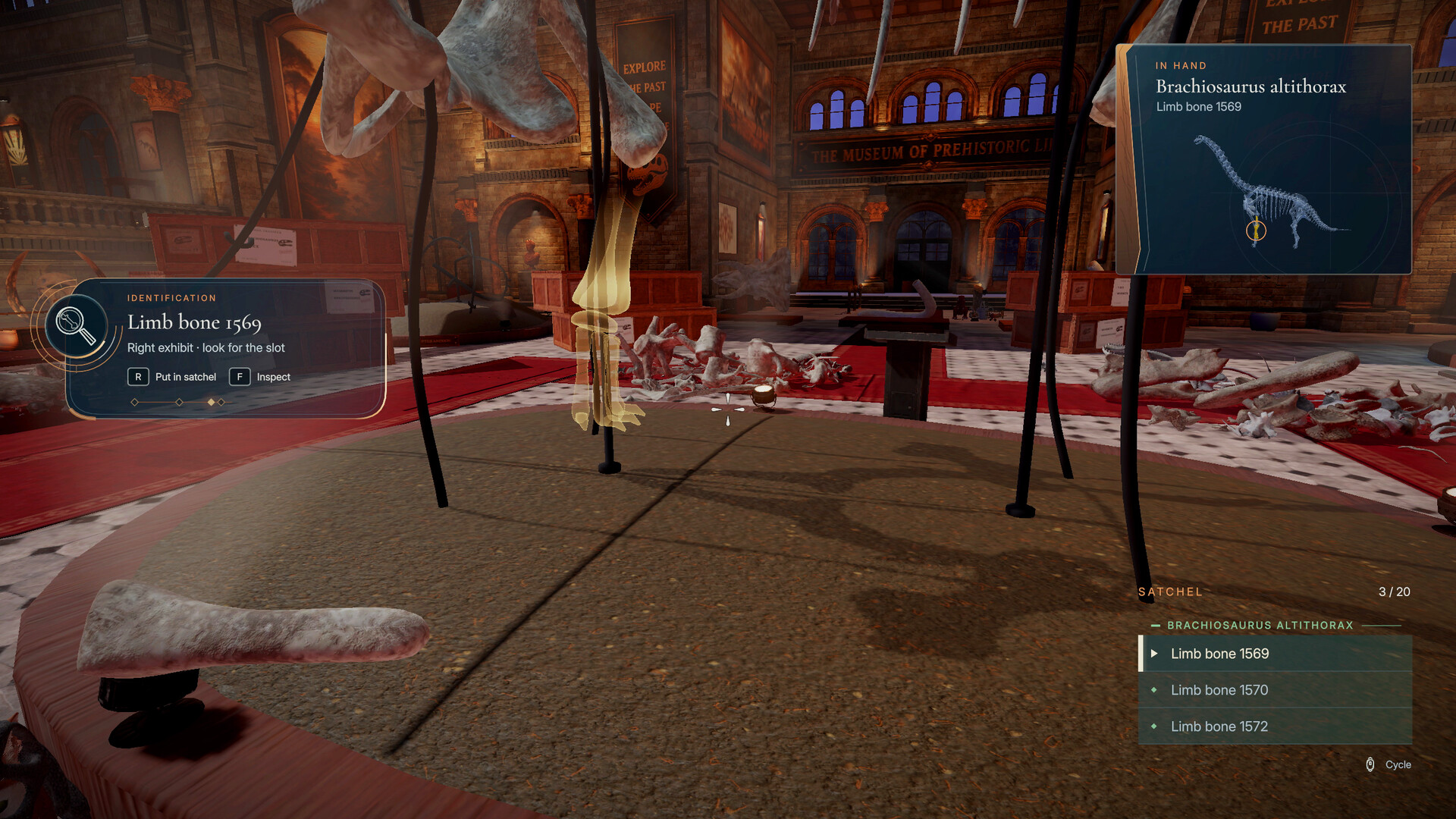
- Identify - Every bone starts as “Unknown”. Figure out which skeleton it belongs to
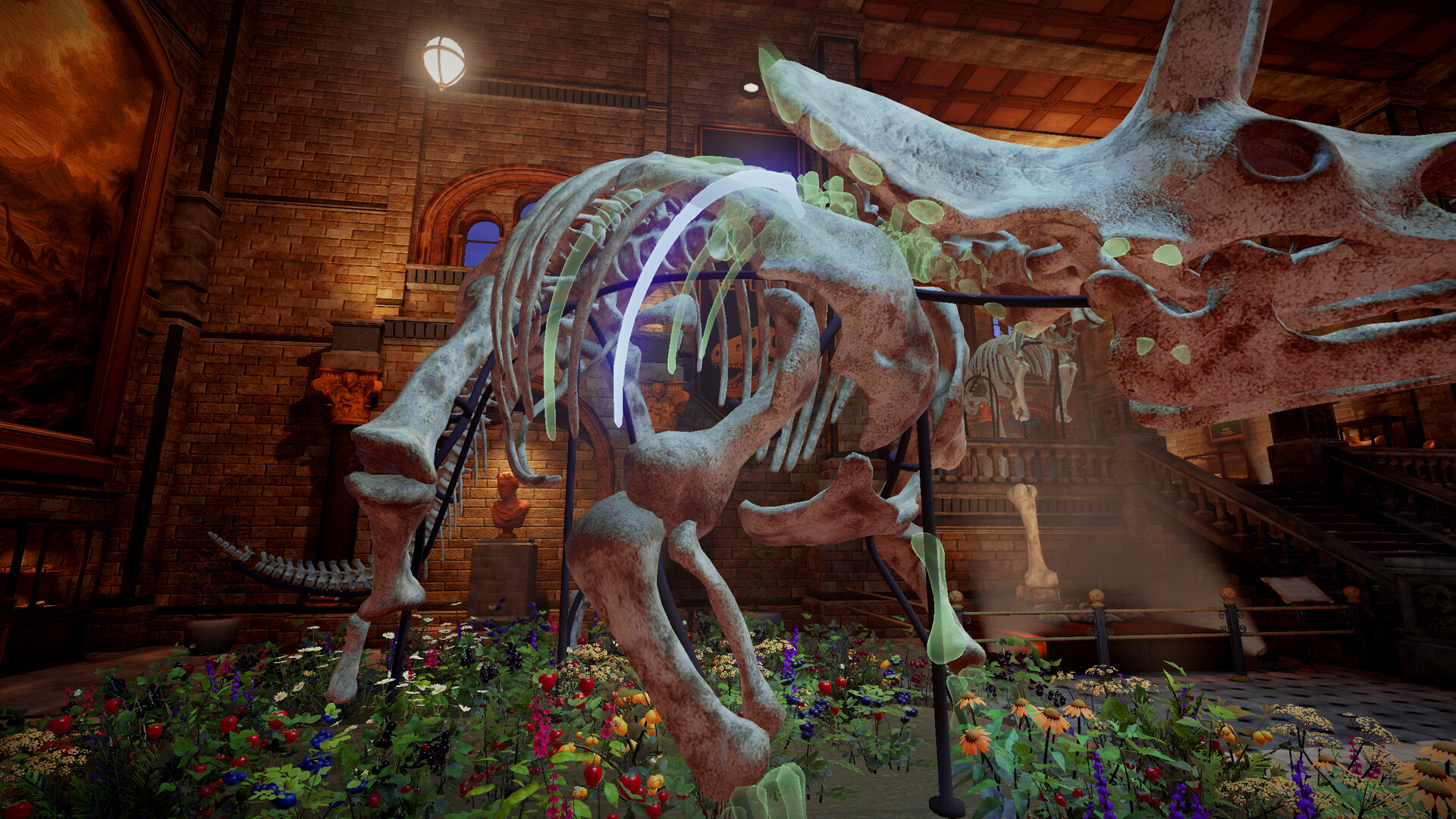
- Assemble - Find the right slot and click it into place, one bone at a time
- MAKE A MESS, LEARN THE BONES
- Open crates, tip them over, or just throw them, and start rebuilding. Each dinosaur’s bones have their own look, color, texture, wear, and the more you place them, the faster you recognize them. No skill trees, no upgrades. Just you getting better.
- WAKE UP THE MUSEUM
Minimum System Requirements (Windows)
- OS: 64-bit Windows 10
- Processor: Intel Core i7-4790K / AMD Ryzen 5 1500X
- Memory: 8 GB RAM
- Graphics: NVIDIA GeForce GTX 980 Ti 6 GB / AMD Radeon RX 6500 XT
- DirectX: Version 11
- Storage: 4 GB available space
Achievement Highlights
- Solid Foundations
- Perfect Fit
- A Hundred Good Bones
- Taking Shape
- A Thousand Pieces
- A Bit of Everything
- Room for Three
- Quite a Collection
Legal Notice
Privacy. DinoBones sends anonymous crash and error reports (Sentry, EU servers, kept up to 90 days) so we can fix bugs: what went wrong, hardware, operating system, game version and language. Reports do not include your Steam ID, user name or screenshots, and your IP address is not stored. You can turn reports off under Settings › Game. Bug reports you send from the pause menu include only what you choose to attach. Questions: [email protected]
Official Screenshots
This page’s gallery section collects all 10 official screenshots of DinoBones: Tidy Up the Museum.
The content above is from publicly available data on the Steam store page. In case of any discrepancies with the store page, the store page shall prevail.
✨ Key Features
📰 Latest Updates
View All →Anatomical mode: the tail no longer holds up the skeleton. The spine requirement now covers the …
DinoBones is now Steam Deck Verified! 🦖 Hey everyone, We have some big news to share: Dino Bones: …
A week ago we shipped the biggest update DinoBones had ever had. Then we kept reading your reports, …
🖼️ Game Screenshots
View All →