
Mouse X
You look at your mouse every single day. Personalize it with Mouse X. Use custom live cursors on your desktop, and share your own custom cursor skins on the Steam Workshop!
🎮 Game Overview
Mouse X is developed by CenterPoint Gaming and published by CenterPoint Gaming, released on Jun 10, 2026.
You look at your mouse every single day. Personalize it with Mouse X. Use custom live cursors on your desktop, and share your own custom cursor skins on the Steam Workshop!
Basic Information
| Item | Content |
|---|---|
| Game Name | Mouse X |
| Developer | CenterPoint Gaming |
| Publisher | CenterPoint Gaming |
| Release Date | Jun 10, 2026 |
| Type Tag | Indie, Animation & Modeling, Design & Illustration, Photo Editing, Utilities |
| Supported Platforms | Windows |
| Store Pricing | $2.24 |
| Official Languages | English, French, Italian, German, Spanish - Spain, Czech, Danish, Dutch, Korean, Polish… |
| Single Playtime Reference | 10-30 minutes |
| Learning Difficulty | Low |
| Achievements | 12 |
| User Recommendations | About 1,947 Steam user recommendations |
| Media Scores | No public ratings available |
Store page feature tags: Steam Achievements, Steam Workshop, Adjustable Text Size, Color Alternatives, #category_contrast_controls, Custom Volume Controls, Adjustable Difficulty, Keyboard Only Option, Mouse Only Option, Narrated Game Menus, #category_playable_at_your_own_pace, Playable without Timed Input, #category_playable_without_vision, Save Anytime, Touch Only Option, Steam Cloud, Stats, Includes level editor.
Official Introduction Key Points
- Mouse X is a lightweight mouse pointer customization tool.
- Quickly choose from a library of community-made skins, or create your own and share your creativity with the world.
- Key features
- Change your Mouse - Instantly and easily personalize the most looked at part of your PC.
- Low Resource Use - Delivers a great utility with a very small memory and CPU use footprint.
- Universal Compatibility - Seamlessly runs alongside other apps and games with zero integrations or dependencies.
- No Hooks or Injection - No game modifications, no OS modifications, no interference.
- Infinite Possibility - Create and share skins of your own on the Steam Workshop, and check out the work of others.
Minimum System Requirements (Windows)
- Requires a 64-bit processor and operating system
- OS: Windows 10
Achievement Highlights
- The First Five
- The First Ten
- The First Twenty
- Welcome to Mouse X
- Begin Cooking
- Done Cooking
- The FIrst Fifty
- Five Likes
Official Screenshots
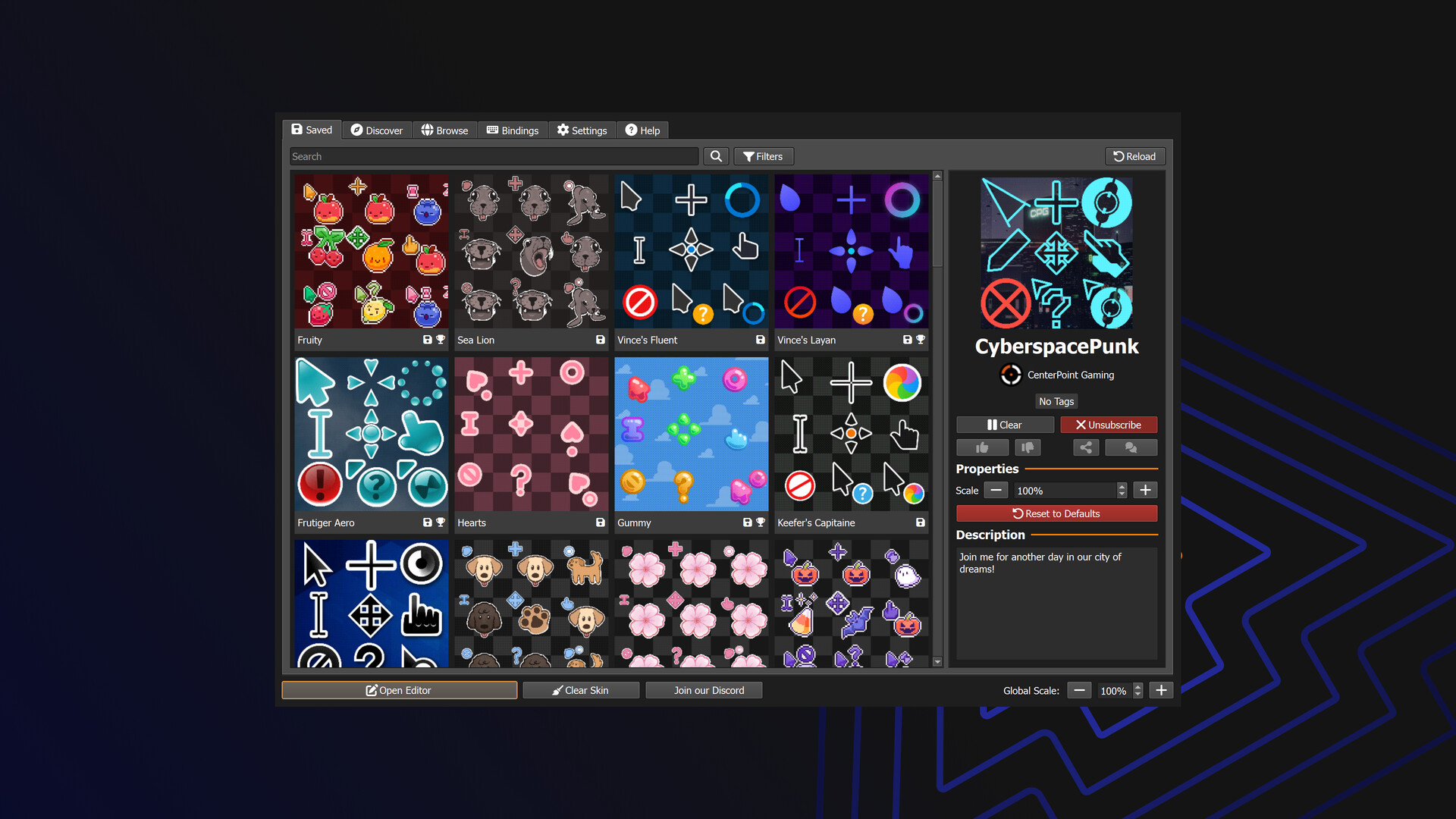
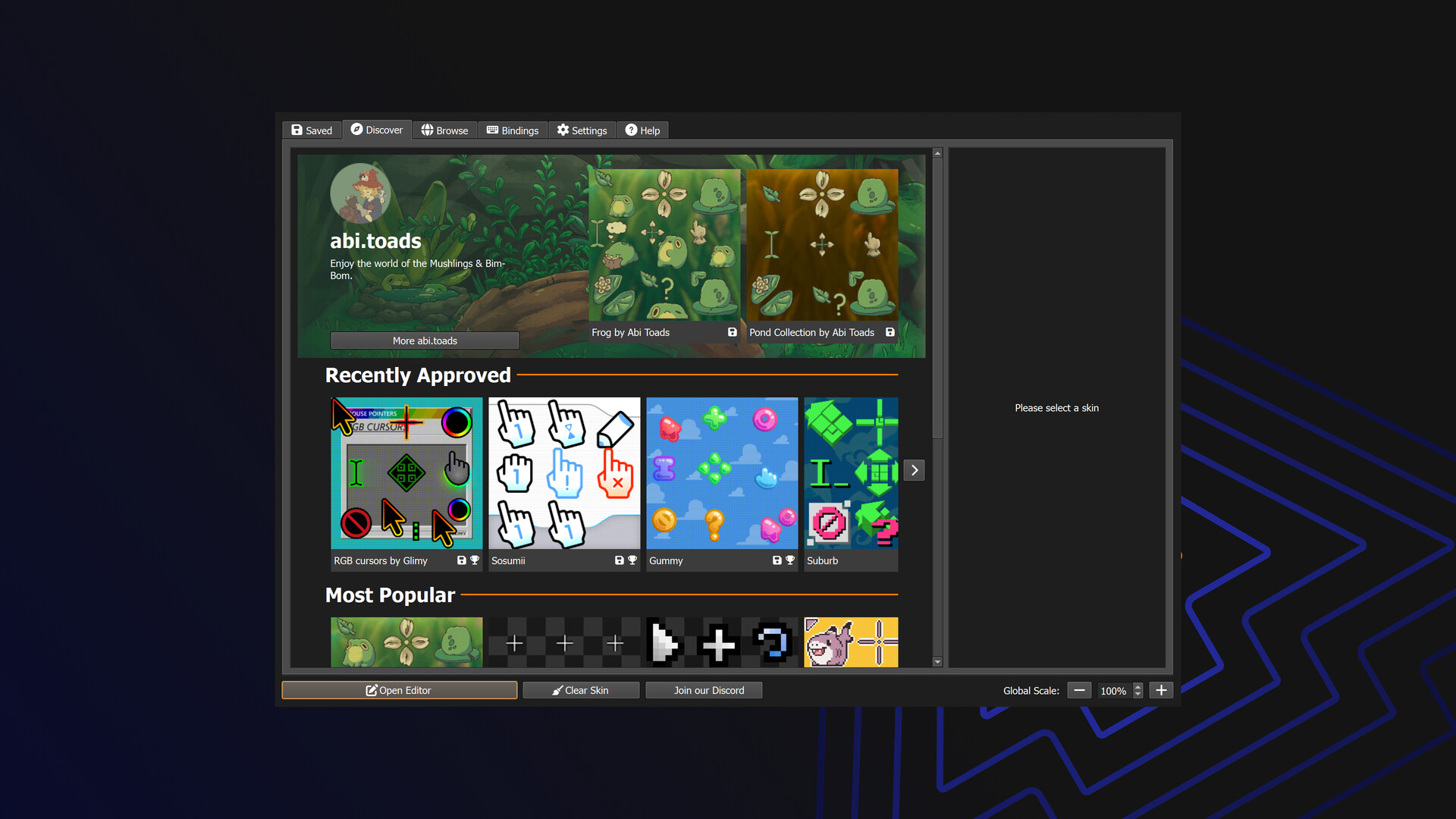
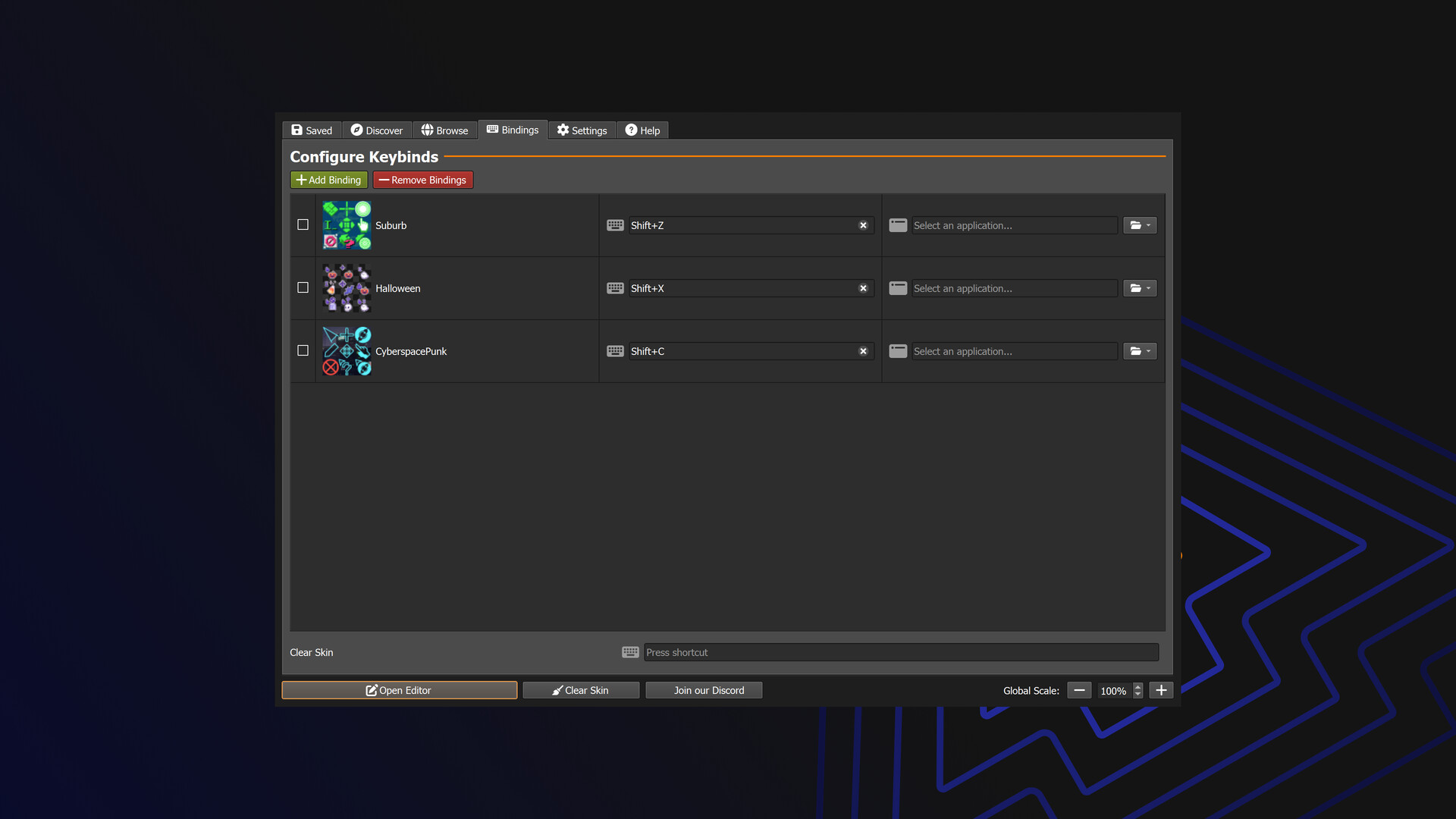
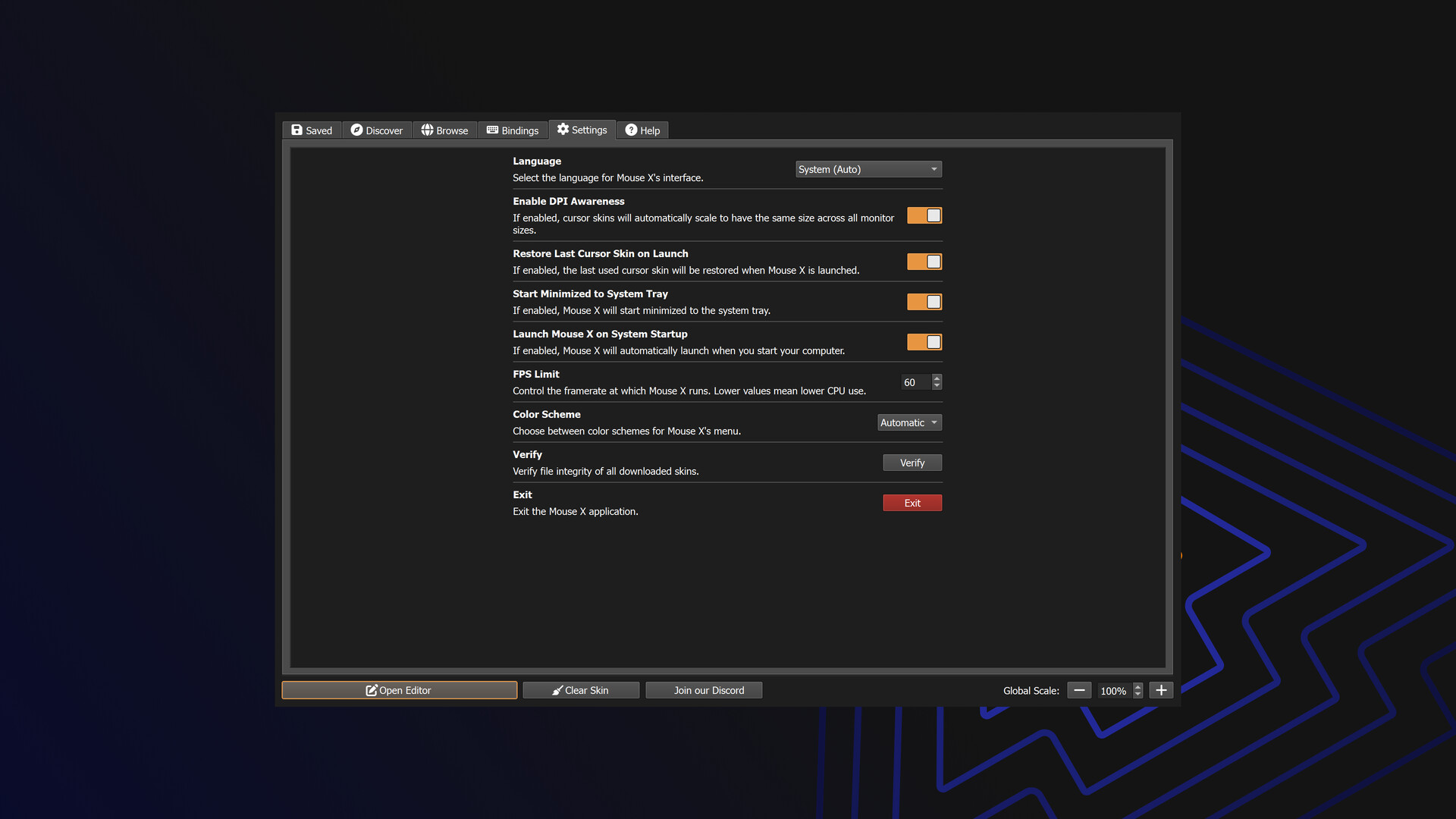
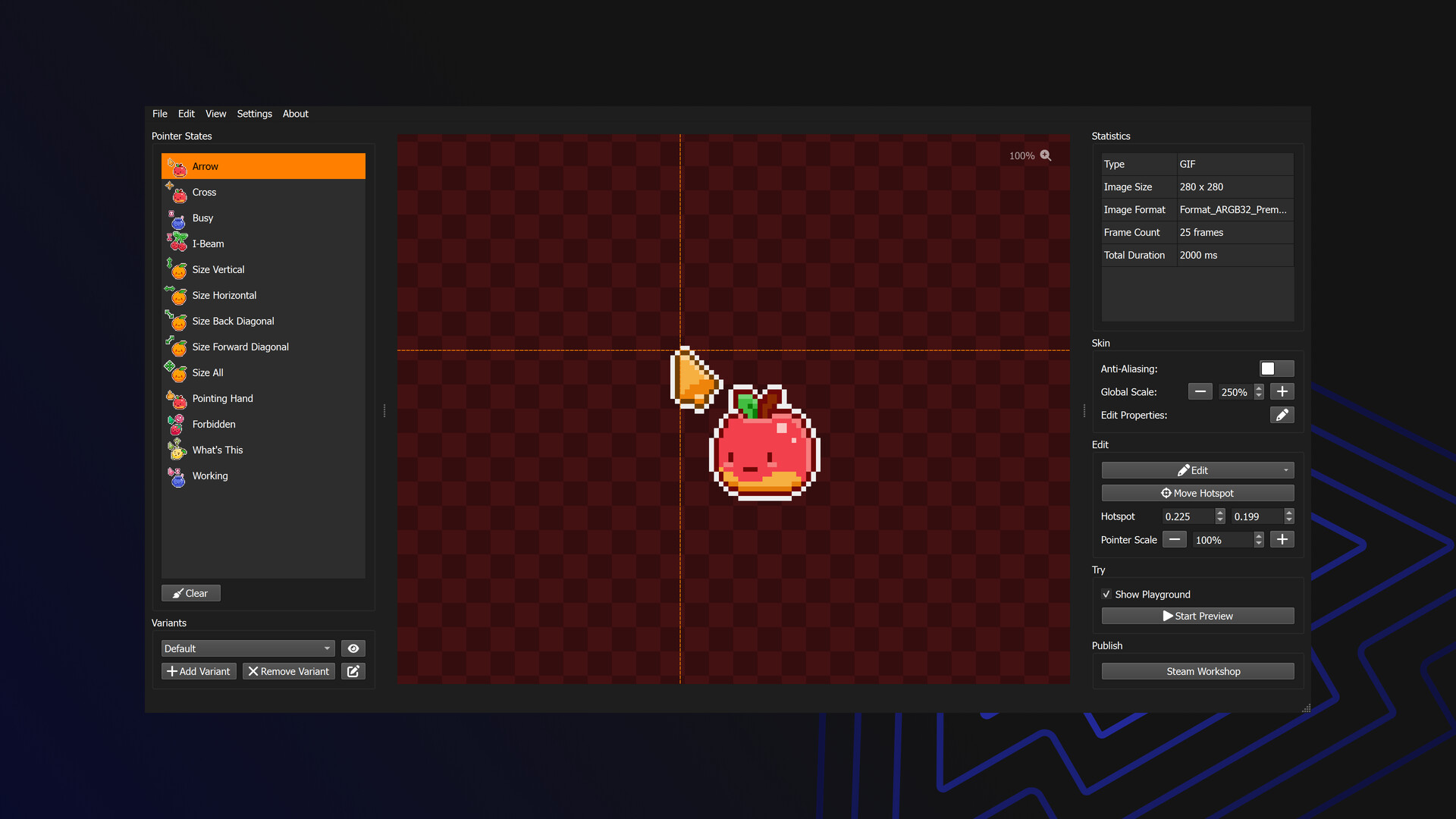
This page’s gallery section collects all 5 official screenshots of Mouse X.
The content above is from publicly available data on the Steam store page. In case of any discrepancies with the store page, the store page shall prevail.
✨ Key Features
📰 Latest Updates
View All →Hey ya'll. Added a SPOOKY cursor to the Discover page.Add FAQ to the help page.Add a restart button …
Hey ya'll. Happy Autumn. General - Mouse X now remembers your Steam Workshop subscriptions, even …
Hey there ya'll. Fix the demo build to have use the blue logo (his name is Alto). Resolve a bug with …
🖼️ Game Screenshots
View All →