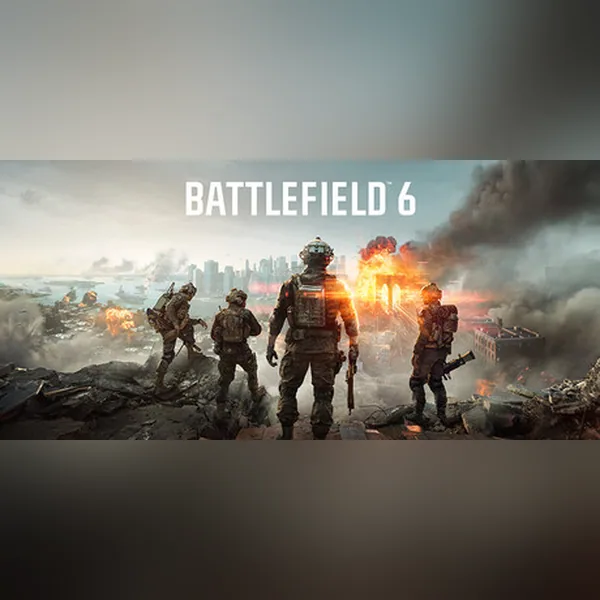
Before you deploy on PC, Battlefield 6 has one of the strictest launch requirements in the series. Beyond raw horsepower, EA’s kernel-level anti-cheat Javelin demands Secure Boot to be enabled. Here is the full breakdown, also mirrored in our Battlefield 6 wiki.
Key Takeaways
- It won’t launch without Secure Boot + Javelin: enable Secure Boot in your BIOS before first launch.
- Minimum: Intel i5-8400 / Ryzen 5 2600, 16 GB RAM, GTX 1060 6 GB / RX 580 8 GB, ~55 GB SSD.
- Recommended: Intel i7-10700K / Ryzen 7 3700X, 32 GB RAM, RTX 3060 / RX 6600 XT, NVMe SSD.
- Storage: ~55 GB on PC, NVMe strongly recommended thanks to DirectStorage.
Secure Boot is a UEFI firmware security standard that only lets signed bootloaders start your PC. Javelin is EA’s kernel-level anti-cheat driver, and DirectStorage is a Windows API that streams game assets straight from an NVMe SSD to the GPU, cutting load times.
Minimum Requirements
These are the specs to simply get Battlefield 6 running at 1080p on lower settings:
- OS: Windows 10 (64-bit) or Windows 11
- CPU: Intel Core i5-8400 / AMD Ryzen 5 2600
- RAM: 16 GB
- GPU: NVIDIA GeForce GTX 1060 6 GB / AMD Radeon RX 580 8 GB
- Storage: ~55 GB available space (SSD strongly recommended)
- Network: Broadband connection (online required)
Recommended Requirements
For a smooth 1440p / high-refresh experience:
- OS: Windows 11 (64-bit)
- CPU: Intel Core i7-10700K / AMD Ryzen 7 3700X
- RAM: 32 GB
- GPU: NVIDIA GeForce RTX 3060 / AMD Radeon RX 6600 XT
- Storage: NVMe SSD, 55 GB+
Secure Boot & Javelin Anti-Cheat
The biggest surprise for many players: Battlefield 6 will not launch without Secure Boot enabled in your motherboard BIOS, because of the Javelin kernel-level anti-cheat. If you see an anti-cheat error on startup, reboot into BIOS and turn on Secure Boot (and ensure your drives use GPT, not MBR). This requirement drew debate at launch but is now standard for the game. Full details are on the EA support page.
Storage & DirectStorage
Battlefield 6 benefits from fast storage. An NVMe SSD cuts load times dramatically thanks to DirectStorage support on Windows. The install is roughly 55 GB on PC, growing with seasonal map and mode updates — budget extra headroom for Season 1’s RedSec battle royale content.
Tips to Run It Smoothly
- Enable Secure Boot before first launch to avoid anti-cheat blocks.
- Install on an SSD, not a hard drive.
- Cap FPS or use VRR to avoid stutter on mid-range GPUs.
- Keep GPU drivers updated — day-one patches improved frame pacing.
Want the full specification sheet, release date and price? Visit the Battlefield 6 hub. You can compare against other demanding Action games in our library.
Written by the PlayFox Editorial team. PlayFox is an independent game media site — our editorial standards explain how we source and credit every spec. Found a wrong requirement? Contact us and we’ll fix it.
No comments yet. Be the first!